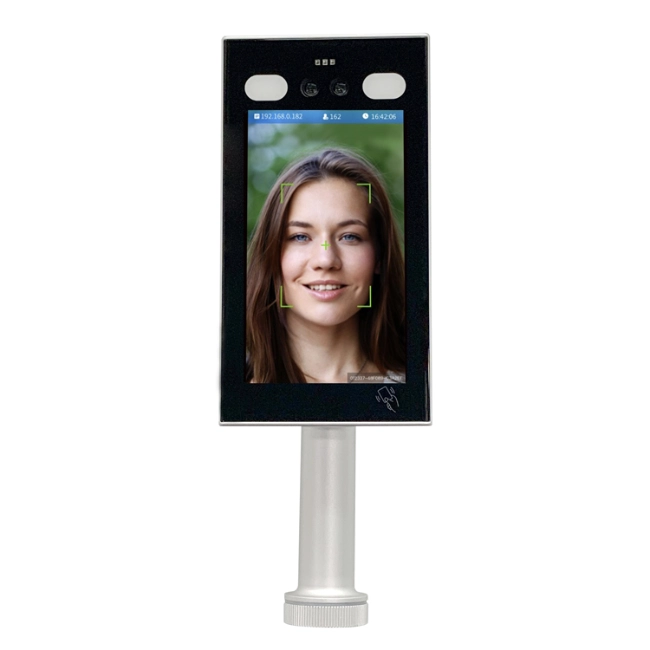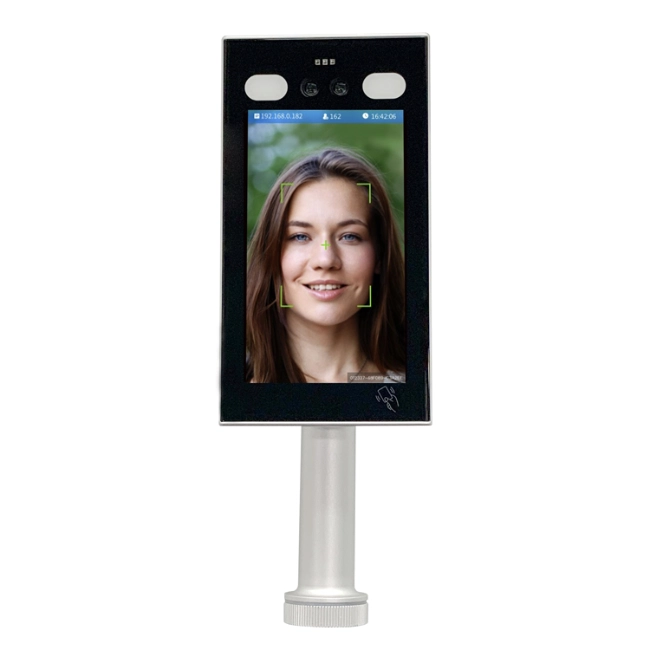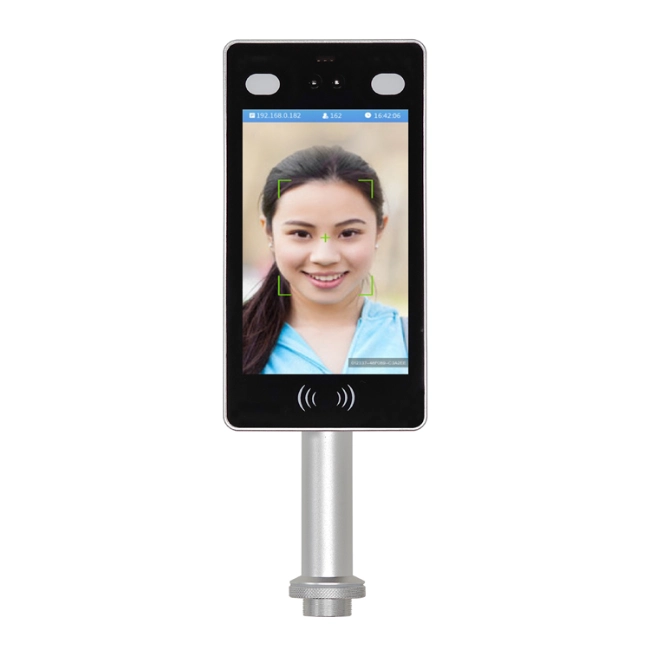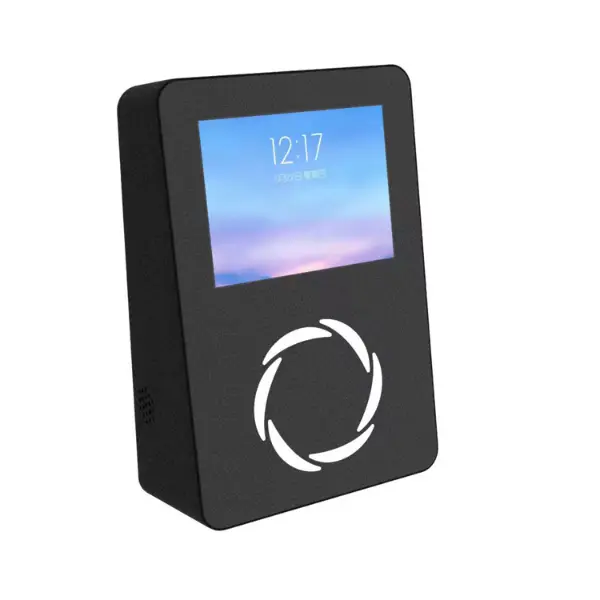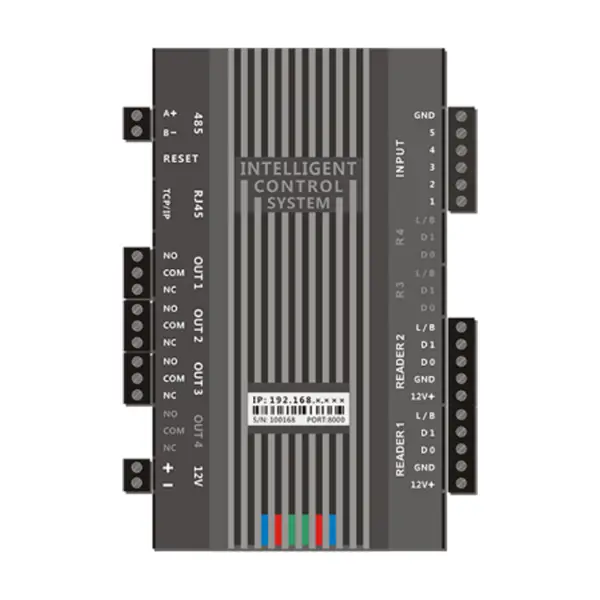
Панель управления доступом
ИМ.ЭА. MY06
The IM.EA. Панель управления доступом MJ06 — это эффективный и стабильный инструмент управления доступом, соответствующий современным требованиям управления безопасностью. Это важный компонент механизмов контроля доступа во многих местах, включая корпоративные офисные здания, Школы, Отели, Жилые сообщества, и другие, и успешно гарантирует безопасность и порядок доступа и выхода людей на территории.
-

Панель поддерживает двойные считыватели карт для повышения безопасности при входе и выходе.
-
Она предлагает масштабное управление с 45,000 Ёмкость карт.
-
Офлайн-хранение 21,000 Записи обеспечивают надёжную целостность данных.


Распознавание лиц

Светодиодный дисплей

8 Пары инфракрасных детекторов

QR
Обзор панели управления доступом
Панель контроля доступа является ключевым элементом управления защищённым входом; Он соединяет разные устройства аутентификации, Замки дверей, и системы мониторинга. Он работает на высокопроизводительном процессоре, который помогает быстро обрабатывать данные и поддерживать согласованную связь между терминалами и центральным программным обеспечением управления. Его надёжная конструкция обеспечивает долгосрочную надёжность с минимальным простоем, делает его идеальным для критически важной инфраструктуры, такой как корпоративные офисы, Школы, Отели, и жилые сообщества. Дополнительно, Система гарантирует Зашифрованная коммуникация, Предотвращение несанкционированного доступа к конфиденциальной информации пользователей.
Интеграция умных систем
Администраторы могут запрограммировать панель контроля доступа так, чтобы она принимала несколько систем верификации, таких как RFID-карты, Биометрические считыватели, QR-коды, и Мобильные приложения. Он также может интегрироваться с Системы отслеживания времени посещаемости, Программное обеспечение для управления посетителями, и Платформы видеонаблюдения создать комплексную сеть безопасности. Особенности, такие как Многодверная блокировка, Анти-пассбэк, и Мониторинг в реальном времени Усилить безопасность объектов при обеспечении бесперебойного перемещения персонала.
Функции
- Быстрая и стабильная связь с помощью высокопроизводительного процессора
- RFID, Биометрическая аутентификация, QR-код, и мобильная аутентификация
- Возможности многодверного блокировки и возможности противодействия обратной связи
- Безопасность данных через зашифрованную коммуникацию
- Совместимость по времени посещаемости и управлению посетителями
- Централизованный и удалённый мониторинг
- Модульная поддержка проектирования для чрезвычайно гибкого оборудования
- Модульное оборудование повышает эффективность обслуживания, позволяя легко заменять или модернизировать детали
- Информация о продукте
- Спецификации
- Установка и использование
- Примечания
- Вопросы и ответы
Информация о продукте
Функциональные особенности
Многоканальный вход и выход
- Считыватель ввода с двумя картами: Два входа считывателя карт с гибкостью для проверки входа или выхода.
Пример: В корпоративном здании, Сотрудники свайпают внутрь и обратно, чтобы предотвратить tailgate. - Двойной управляющий выход: Пример: Одновременное управление замком двери гостиничного номера и мониторинг состояния.
Управление разрешениями в массовом масштабе
- 45,000 Права на управление картами
- Удобная настройка разрешений через программное обеспечение управления
- Пример: Уборщики запрограммированы на доступ вне рабочего времени
Функция офлайн-хранения
- 21,000 Офлайн-записи хранения
- Автоматическая загрузка после восстановления сети
- Обеспечивает целостность и надёжность данных
Этапы установки
- Определите место установки
- Установите панель управления
- Установите считыватель карт (через линии Виганд)
- Подключение управляющих устройств (Электрические замки, С помощью магнитов)
- Подключите блок питания (DC 12V)
- Настройка настроек связи (RS485 или TCP/IP)
Метод использования
- Настройка разрешений: Регистрируйте пользователей и устанавливайте права доступа
- Вход/выход персонала: Валидируйте карты для доступа
- Запрос записи: Используйте программное обеспечение управления или панель управления для журналов доступа
Примечания
- Всегда выключайте питание перед прокладкой проводки, чтобы избежать тока
- Избегайте высоких температур, влага, и электромагнитные помехи
- Периодически проверяйте работу устройства
- Вызовите профессионалов для ремонта
Многоканальный вход и выход
- Считыватель ввода с двумя картами: Два входа считывателя карт с гибкостью для проверки входа или выхода.
Пример: В корпоративном здании, Сотрудники свайпают внутрь и обратно, чтобы предотвратить tailgate. - Двойной управляющий выход: Два управляющих выхода, которые могут подключаться к электрическим замкам или дверным магнитам для точного управления одной или двумя дверями.
Пример: Одновременное управление замком двери гостиничного номера и мониторинг состояния.
Управление разрешениями в массовом масштабе
- 45,000 Права на управление картами
- Удобная настройка разрешений через программное обеспечение управления
- Пример: Уборщики запрограммированы на доступ вне рабочего времени
Функция офлайн-хранения
- 21,000 Офлайн-записи хранения
- Автоматическая загрузка после восстановления сети
- Обеспечивает целостность и надёжность данных
Спецификации
Технические параметры
| Параметр | Подробности |
| Ёмкость хранения | 45,000 Права на управление картами, 21,000 Офлайн-записи хранения |
| Интерфейс связи | Интерфейс связи RS485, Расстояние связи до 1200 м; опциональный модуль TCP/IP для удалённого управления сетью |
| Рабочее напряжение | DC 12V |
| Рабочая температура | -10°C ~ 50°C |
| Рабочая влажность | 10% ~ 90% Относительная влажность, Нет конденсации |
Установка и использование
Этапы установки
Этапы установки
- Определите место установки
- Установите панель управления
- Установите считыватель карт (через линии Виганд)
- Подключение управляющих устройств (Электрические замки, С помощью магнитов)
- Подключите блок питания (DC 12V)
- Настройка настроек связи (RS485 или TCP/IP)
Метод использования
- Настройка разрешений: Регистрируйте пользователей и устанавливайте права доступа
- Вход/выход персонала: Валидируйте карты для доступа
- Запрос записи: Используйте программное обеспечение управления или панель управления для журналов доступа
Примечания
- Во время установки и электропроводки, Обязательно отключите блок питания, чтобы предотвратить электрический ток и повреждение оборудования.
- Избегайте использования устройства при высокой температуре, Влажные или сильные электромагнитные помехи.
- Регулярно проверяйте состояние работы устройства, например, скорость отклика считывателя карт и рабочее состояние электрического замка, для обеспечения нормальной работы системы контроля доступа.
- Если устройство выходит из строя, Не разбирайте его самостоятельно, Свяжитесь с профессиональным техническим персоналом для обслуживания.
Вопросы и ответы
Примечания
- Всегда выключайте питание перед прокладкой проводки, чтобы избежать тока
- Избегайте высоких температур, влага, и электромагнитные помехи
- Периодически проверяйте работу устройства
- Вызовите профессионалов для ремонта
Свяжитесь с нами сегодня
♦Высококачественный, Турникеты с конкурентной ценой
♦Своевременная доставка, Глобальный охват
♦Бесплатная подробная сметка внутри 12 Часов
Запросите смету
Нужен ли вам ремонт, Посещение места, Цитируйте, или просто у вас есть общие вопросы, мы готовы помочь. Свяжитесь с нами сегодня, и наша команда снова свяжется с нами внутри 24 Часов